
Reveryplay Casino Login
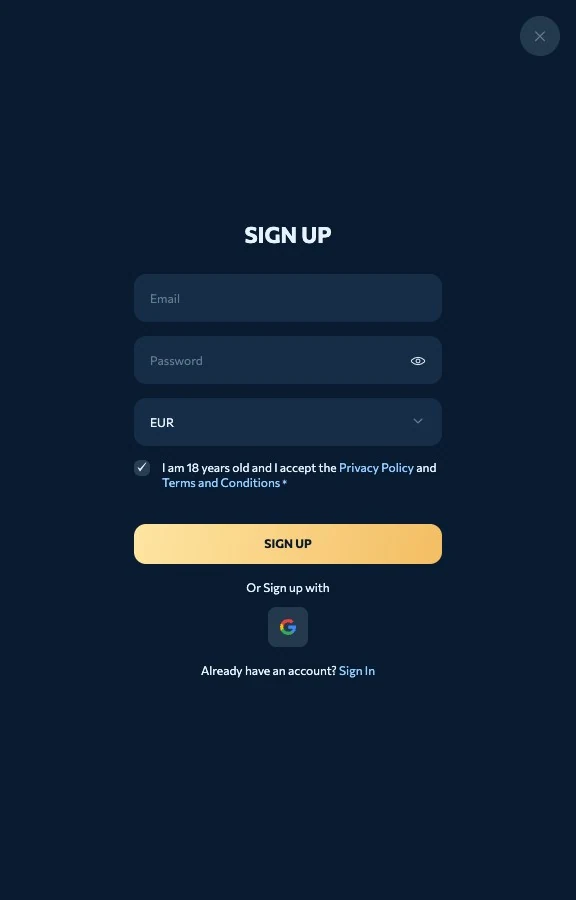
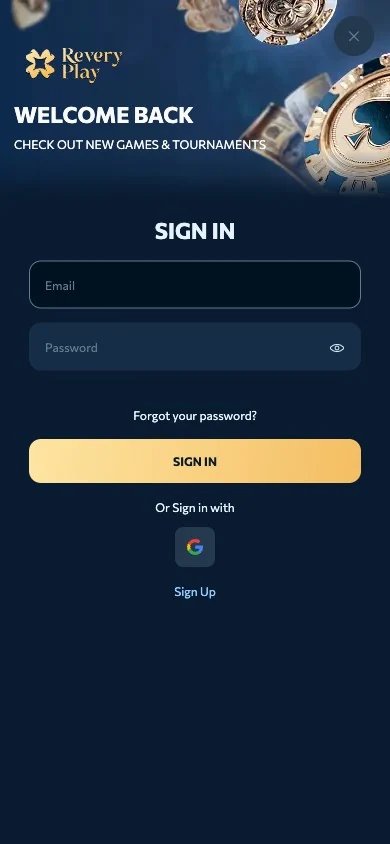
Your Reveryplay Casino login is your email address and password, entered through the Sign in button at the top right of every page or in the web app. We recommend adding two-factor authentication from your account settings, because a second check stops a leaked password on its own from opening the account.

Signing In
- Click Sign in on any page.
- Enter the email you registered with and your password.
- Approve the two-factor prompt if it is enabled.
- Select the active currency in My Account if you hold more than one.
Password Reset
The reset link on the login form sends an email with a new-password link, and the process normally takes two to three minutes. Pick a fresh password of at least eight characters mixing letters and numbers, and do not reuse one from another site.
New Here: Registration in Five Minutes
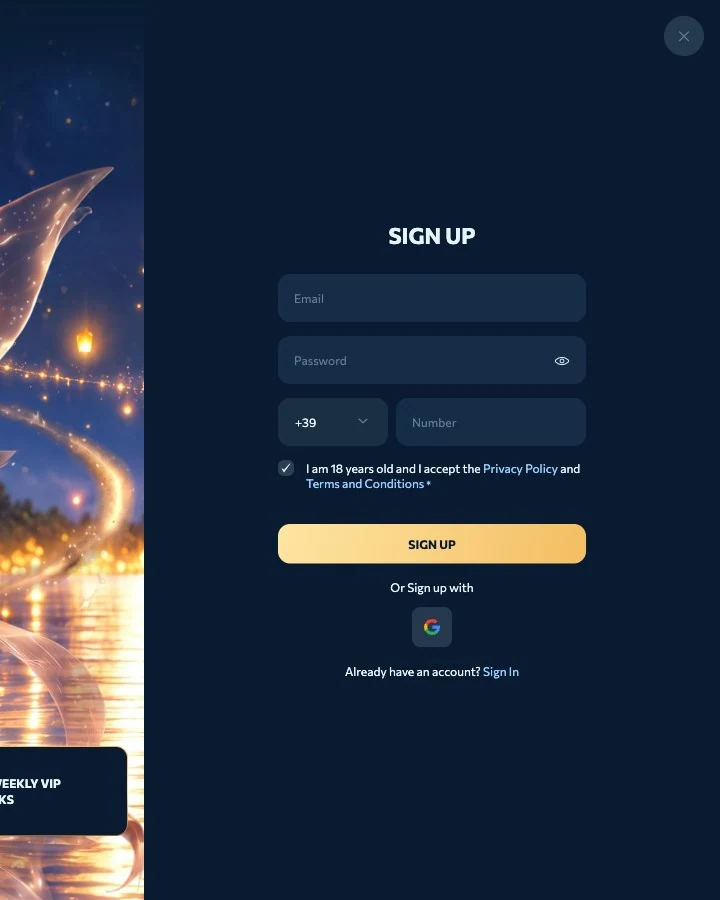
| Step | Detail |
|---|---|
| 1 | Email and a password of at least eight characters |
| 2 | Name and date of birth; 18 or over |
| 3 | Account currency: GBP, EUR or one of twelve cryptocurrencies |
| 4 | Accept the terms and confirm your age |
| 5 | Click the verification email |
Scroll horizontally to see the full table
You can play straight after the email click, and we only ask for identity documents at your first withdrawal, which we usually approve within a day.
Account Security and Dormancy
The site runs on 128-bit SSL encryption with anti-fraud monitoring, and verification can be requested at any time, with seven days to upload what we ask for. An account with no activity for 90 days is classed as dormant and may be closed, so withdraw your balance before a long break or contact support to reactivate it.
Frequently asked questions
I cannot log in to Reveryplay Casino, what should I check?
Check the email address you registered with, use the reset link if the password fails, and contact live chat if verification documents were requested and not sent within seven days.
How do I enable two-factor authentication?
Open your account settings after signing in and switch on 2FA; every login then asks for a code in addition to the password.
Can I use the same login in the app?
Yes, the web app for Android and iOS uses the same email and password as the desktop site.
What happens to a dormant account?
After 90 days without activity the account is classed as dormant and may be closed, and support can reactivate it on request.
Start playing
Play nowPlay